DoneAt — Work Shift Countdown
Know when your time is yours
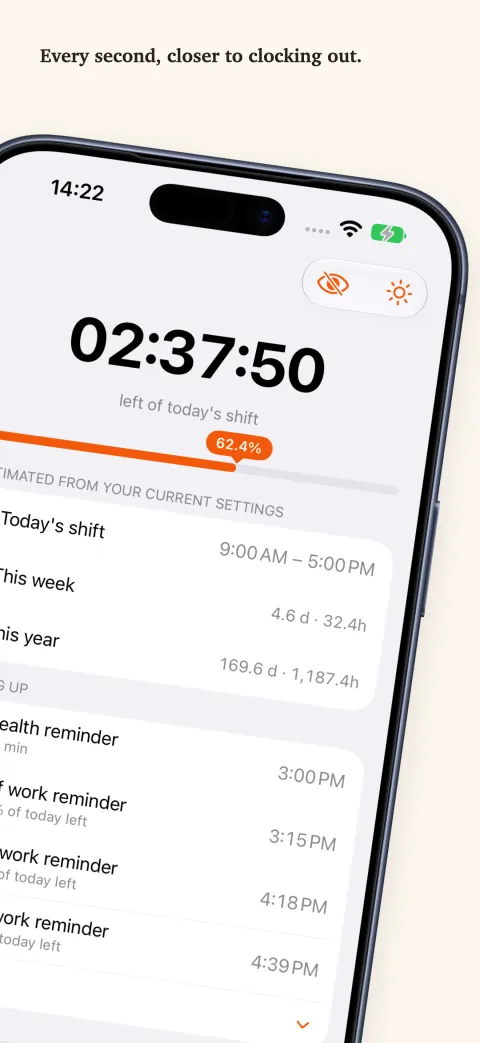
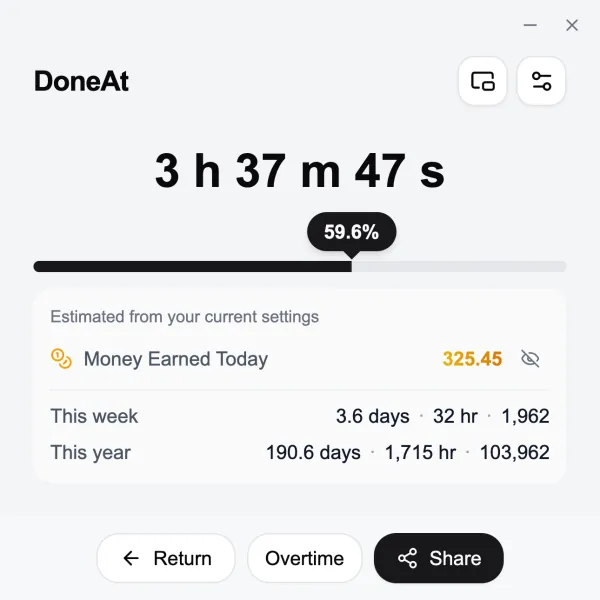
Set your hours once. The countdown, the progress bar and the running total of what you have earned all update every second. Free, no sign-up, works offline.
Start and end times
Set a start time and an end time. Nine to five, a longer day, or hours that cross midnight — the web timer follows those two times.
Watch it add up
Enter a monthly or daily salary and today's earnings accumulate second by second.
Stays on your device
Hours, salary and preferences stay in this browser. No account to create.
Wherever you are, a glance is enough
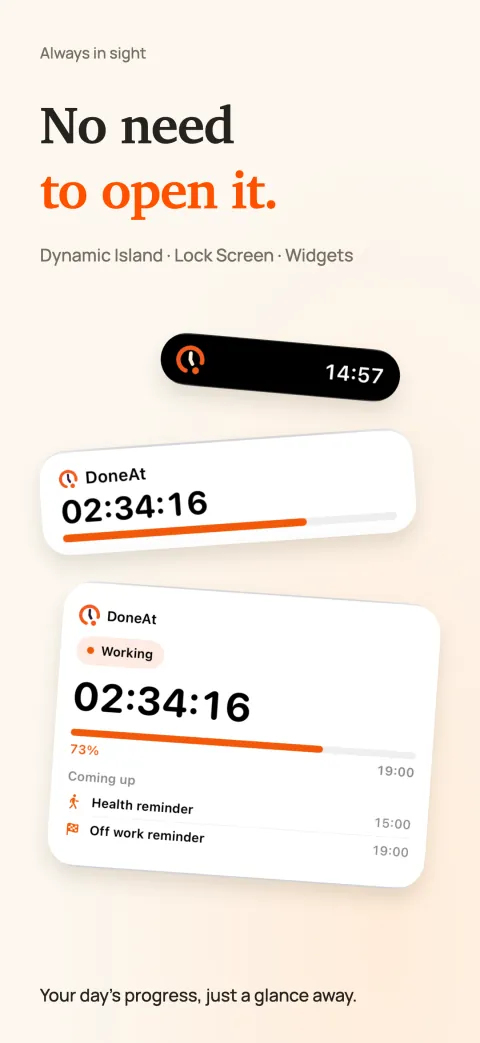
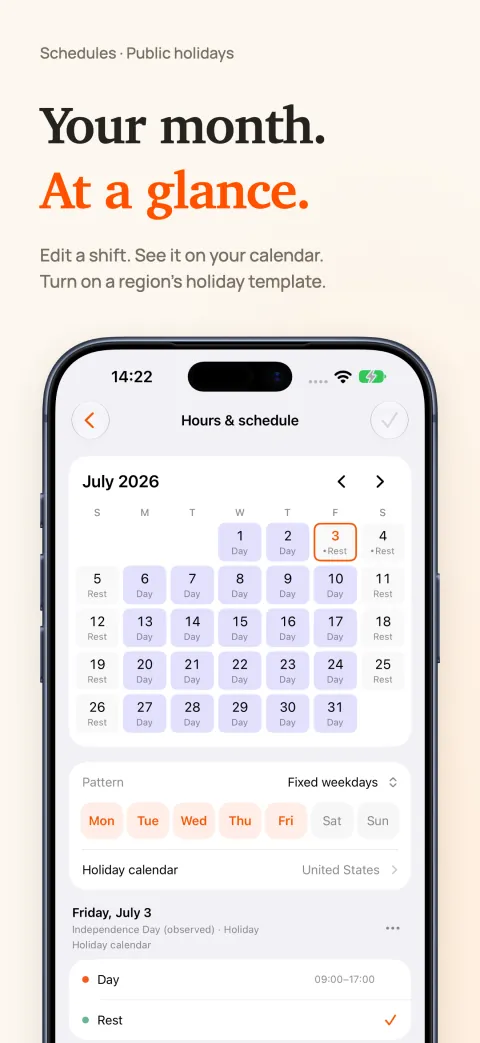
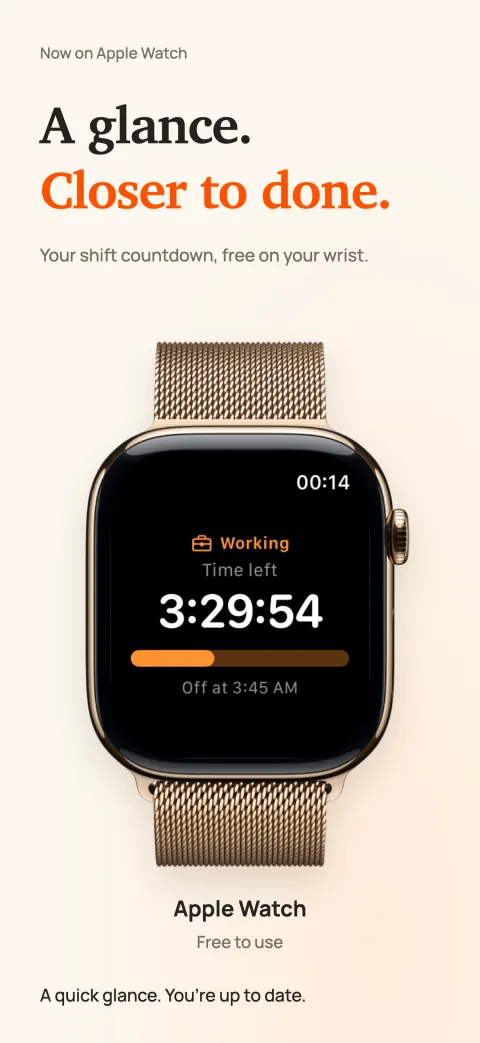
The DoneAt apps bring your countdown to your Home Screen, your wrist and your desktop, and help you plan the month ahead.
Windows · Mac · iPhone · iPad
On a computer, the time left lives in your menu bar or tray—no tab to keep open.On iPhone and iPad, a Home Screen widget keeps it a glance away, and rotating shifts are handled too.